
Is Your Data Recoverable?
| Symptom or Signal | Likely Cause Bucket | Immediate Action |
|---|---|---|
| Detected at correct capacity, files just deleted or a partition reformatted | Logical, recent | Stop writing to the drive now, run recovery software from a different drive |
| Detected but reports RAW or asks to format | Logical, file-system level | Do not click Format, scan with recovery software first |
| Reports 0 bytes, wrong capacity, or a generic controller name | Firmware or controller | Power down, do not reboot repeatedly, contact a lab |
| Not detected in BIOS or UEFI at all | Physical or firmware | Power down, check cabling once, then stop and contact a lab |
| Drive gets hot, clicks, or disconnects and reconnects on its own | Physical, PCB or NAND | Power down immediately, do not attempt more scans |
Why SSDs Are Harder to Recover Than Hard Drives
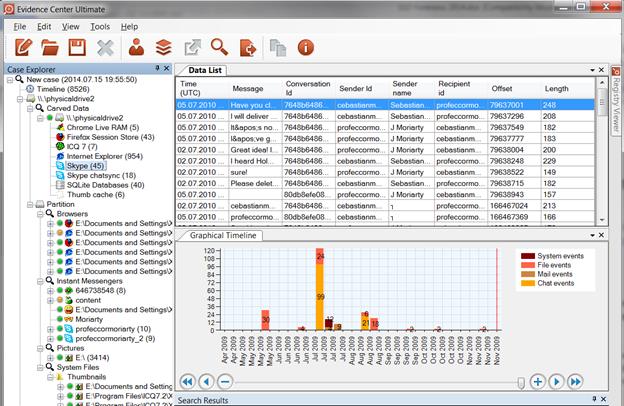
An SSD does not leave deleted data sitting in place the way a hard drive does. Deleting a file sends a TRIM command (SATA) or a Deallocate command (NVMe) that marks the associated NAND blocks as invalid; the controller postpones the physical erase to a background garbage-collection pass, which Kingston documents as running during the drive’s own idle periods. Two things follow. Between the TRIM command and the physical erase there is a real window in which the data still sits on the NAND, and a sudden power loss during that window can leave files intact even after TRIM was sent. Many NVMe drives also implement Deterministic Read After Trim, so a trimmed range reads back as zeroes on request even before the physical cells are reset, which explains why a recovery scan can report a file’s blocks as empty before garbage collection has actually run.
The garbage-collection schedule is the mechanism to watch, and it depends on connection path. A drive inside a USB enclosure needs the enclosure’s bridge chip to forward the SCSI UNMAP command through to the SSD as an NVMe Deallocate; older or cheaper bridge chips frequently skip that step, so a deleted file on a bridged enclosure can survive well past when the same deletion would have been erased on an internally mounted drive. FAT32-formatted external drives carry a similar effect, since the FAT32 driver stack commonly paired with USB SSDs doesn’t forward TRIM commands at all.
Can data be recovered after TRIM has run? If the physical erase already completed during garbage collection, no software recovers that block; the drive returns zeroes because the cells were reset. If TRIM was sent but power was lost, or the enclosure blocked passthrough, before the physical erase, the data can still be intact and worth a scan.
First Steps: What to Do in the Next Five Minutes
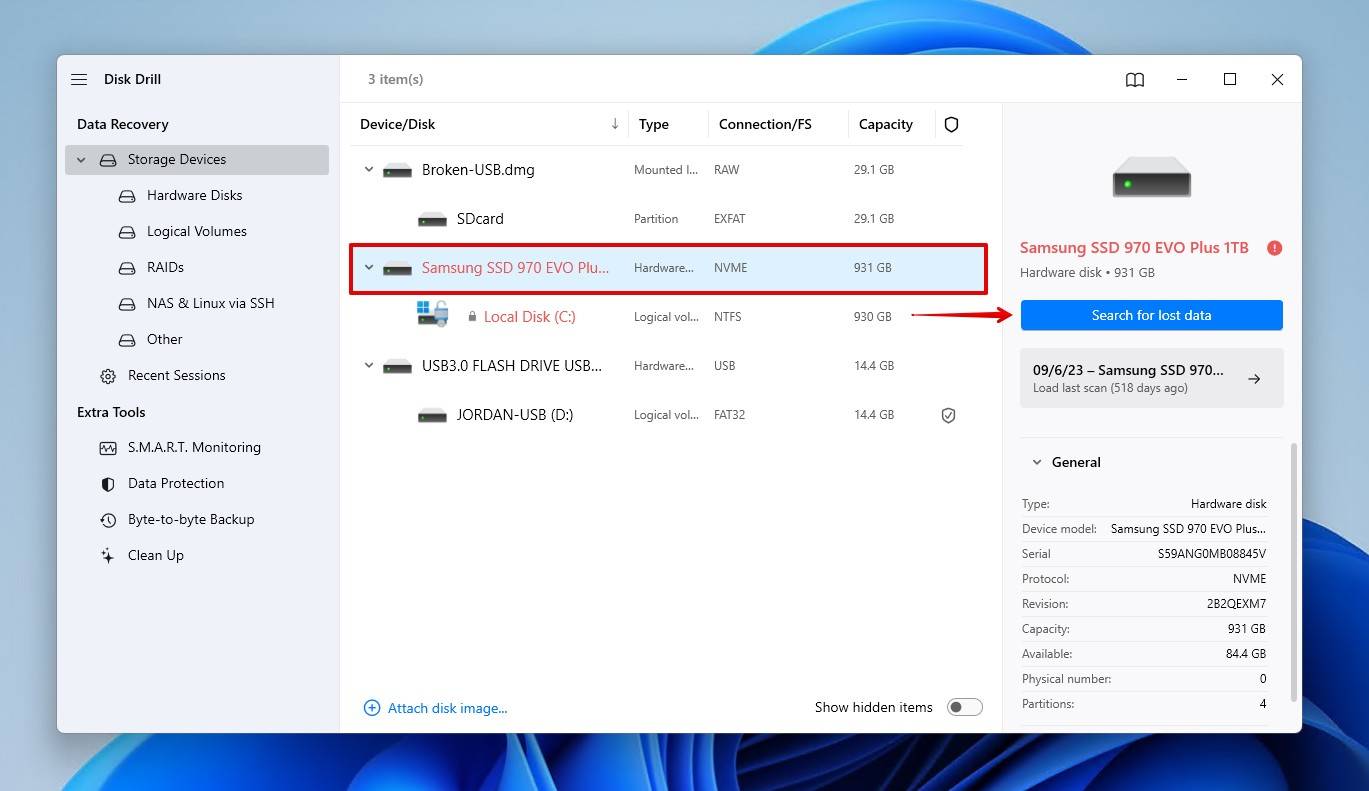
Stop writing to the affected drive immediately, and never install or run recovery software onto the same drive you’re trying to recover: every new write consumes free blocks and can trigger the garbage-collection pass you’re racing against. Running CHKDSK, a repair tool, or a format dialog before attempting recovery writes new file-system metadata over the blocks that still hold the old data’s addresses. Scan first, repair second, and only if the scan doesn’t return what you need.
Recovering Data When the SSD Is Detected
Software Recovery Steps
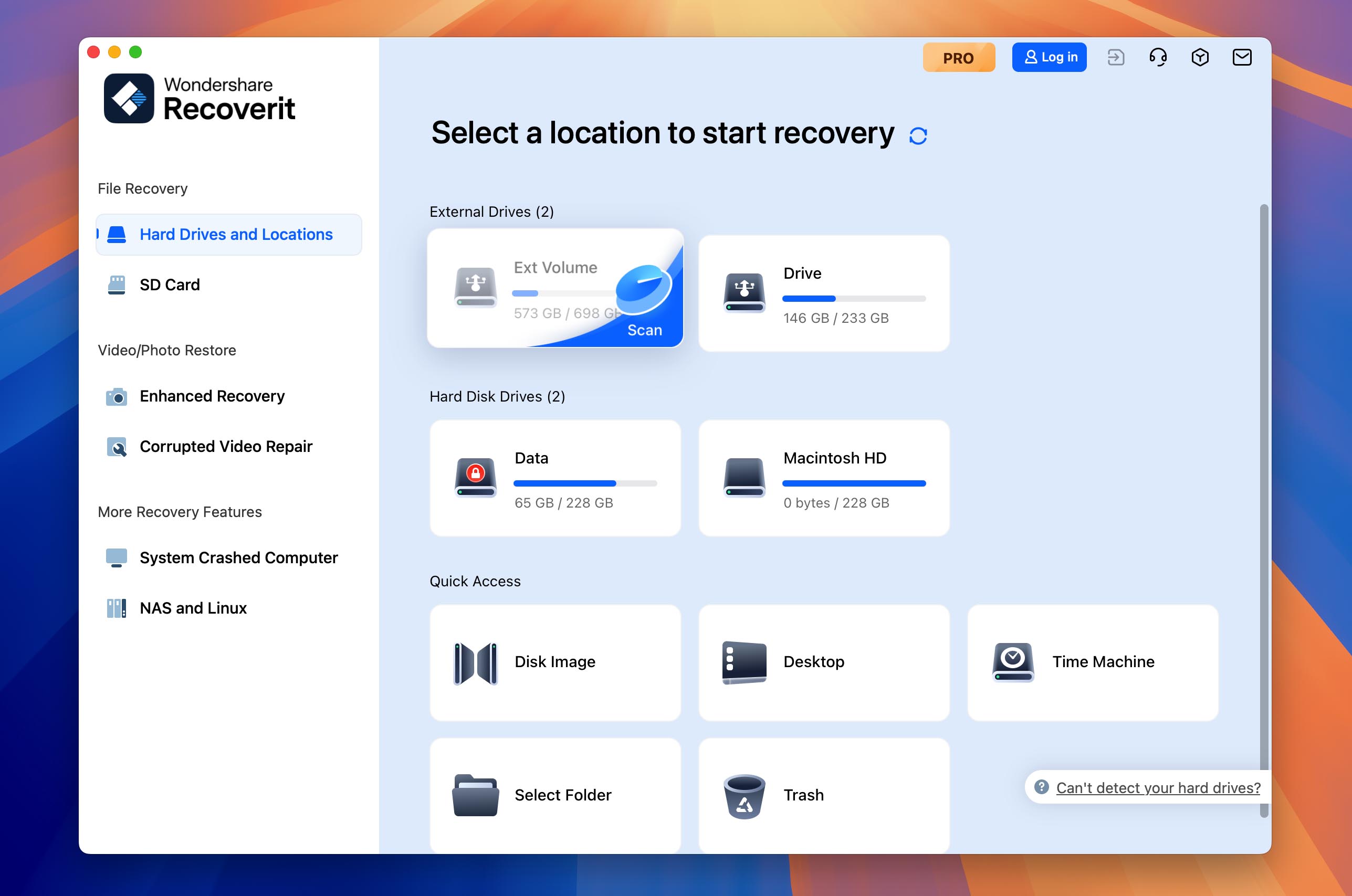
With the drive detected and the loss logical, connect a second, healthy drive to serve as the recovery destination, install a recovery tool onto that second drive, scan the affected SSD, preview the results, and save recovered files only to the second drive. The major consumer recovery tools follow this same sequence; the order matters more than which tool you pick.
What Software Can’t Fix
Software cannot rebuild a controller that isn’t responding, cannot repair a PMIC that’s shorted and overheating on contact, and cannot reconstruct data whose blocks were already garbage-collected. If a scan returns nothing, or returns file names with 0-byte sizes across the board, stop attempting further scans: each additional pass adds read stress that can finish off a marginal controller before a lab ever sees the drive.
Does running recovery software twice reduce my chances? On a drive still enumerating cleanly, no. On a drive already showing slow reads or intermittent drops, yes: each scan adds read cycles a marginal controller may not survive.
Recovering Data When the SSD Is Not Detected
BIOS/UEFI Checks
Confirm the drive appears in the BIOS or UEFI boot menu or firmware setup screen before troubleshooting inside the OS; a drive invisible at that level has a controller or connection problem software cannot reach.
Cold-Boot Trick
Powering the system fully off, waiting about 30 seconds, and reconnecting once or twice can let a drive that dropped from a transient controller hang re-enumerate. Repeating this beyond two attempts adds no benefit and stresses a marginal drive further.
NVMe and Enclosure-Specific Notes
An M.2 NVMe drive pulled from a dead laptop and placed in a USB enclosure sometimes fails to enumerate because the enclosure’s bridge chip doesn’t support that drive’s PCIe generation or capacity. Trying a second, known-compatible enclosure is worth doing before assuming the drive itself has failed.
Do SATA and NVMe SSDs recover differently? The underlying NAND recovery principles match; NVMe drives add PCIe lane and enclosure-compatibility variables that SATA’s single standardized interface doesn’t have.
Recovering Data From an Encrypted SSD
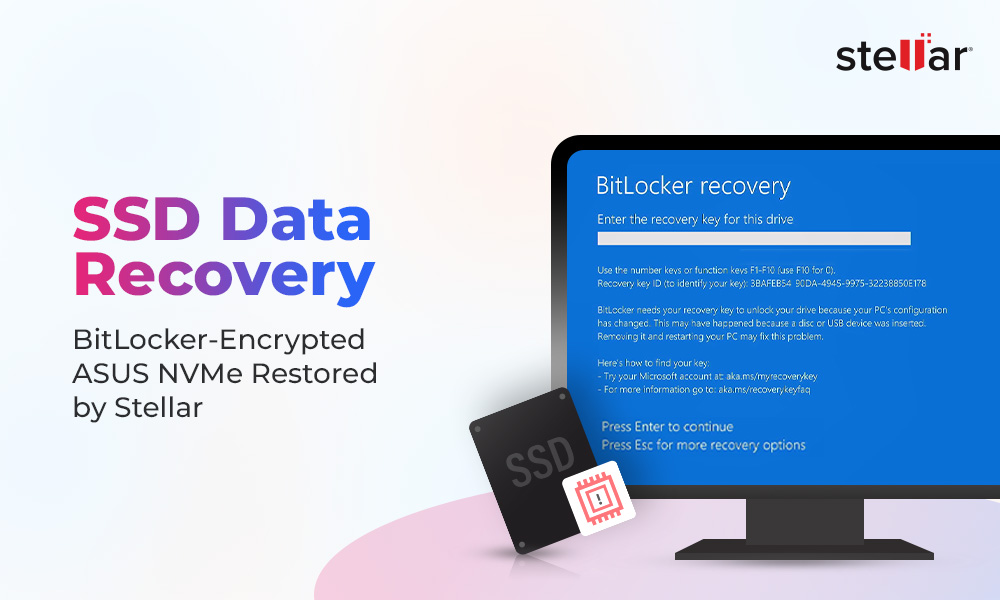
If the drive is BitLocker-protected, Microsoft’s recovery documentation describes a Repair Tool that can salvage data from a damaged drive at the block level, but only when both the recovery password and a separately generated key package are on hand; the key package alone does nothing without the password. On a Mac, Apple’s encrypted-volume guidance is direct: Apple states that without the login password or the recovery key, a FileVault-protected Mac’s files “will be lost forever.” Self-encrypting drives built on the OPAL standard work the same way in practice, since the unlock key lives inside the drive’s own controller, so losing the credential makes the physical NAND recovery-proof even with full hardware access.
Is it safe to recover a BitLocker- or FileVault-encrypted SSD? Yes, once you have the correct recovery key or password. No software or lab bypasses strong encryption without that key, so locating it comes before any recovery attempt.
When to Stop DIY and Contact a Professional Lab
| Signal | What It Usually Means | Recommended Path |
|---|---|---|
| Drive reports 0 bytes or an odd capacity | Firmware or controller failure | Lab, power down and stop |
| Generic controller name shown instead of the drive’s model | Firmware corruption | Lab, do not reformat |
| Repeated disconnect and reconnect cycling | Marginal controller or PCB fault | Lab, minimize further power cycles |
| Physical damage, burning smell, or visible corrosion | Hardware or PCB damage | Lab, do not power on again |
| Business-critical or irreplaceable data on a healthy, detected drive | Any failure type, high stakes | Lab preferred over DIY regardless of symptoms |
A drive matching any row above has already crossed from a software problem into a hardware or firmware one. Continued DIY attempts on these specific signals are what convert a lab-recoverable case into an unrecoverable one.
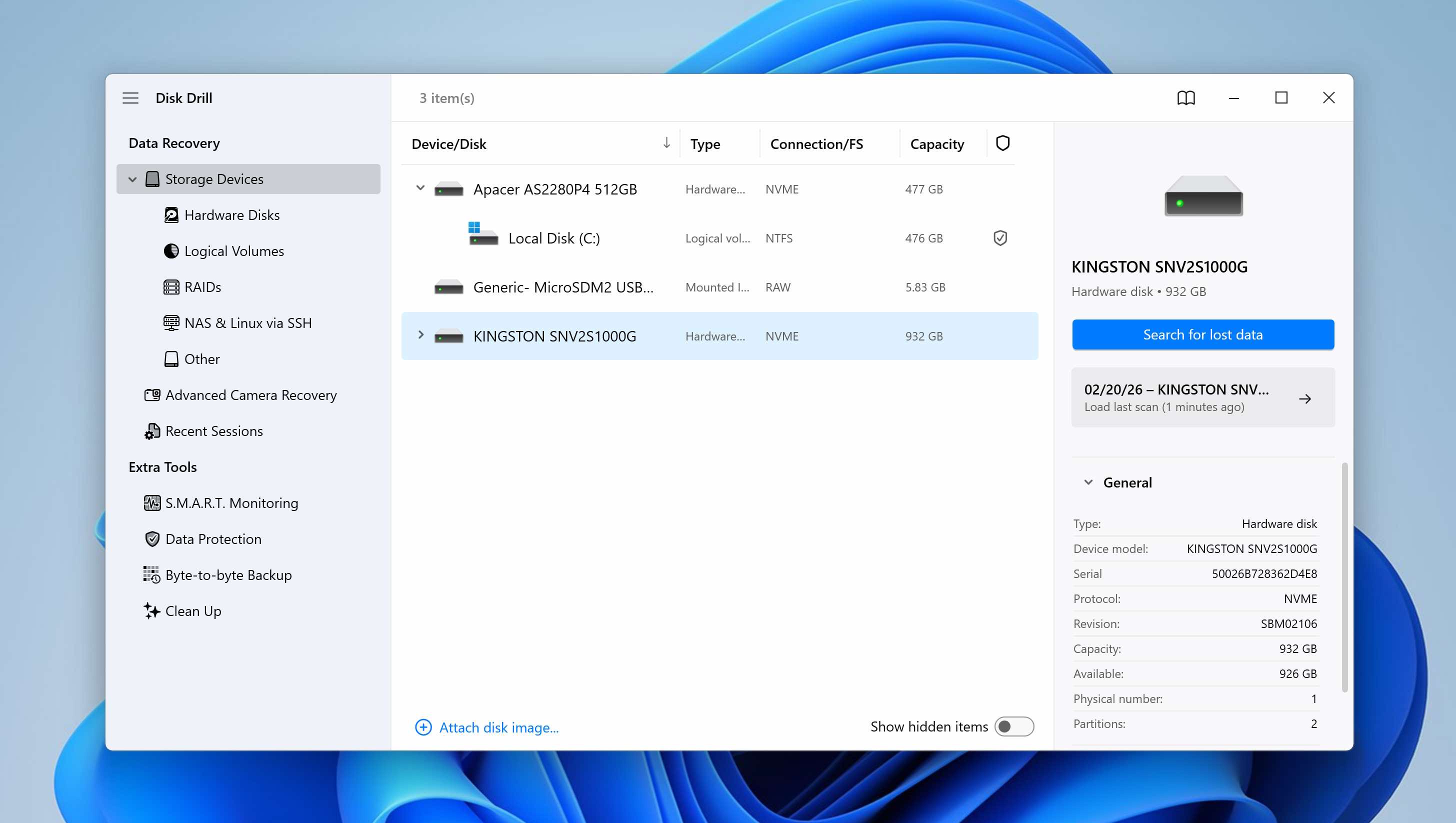
Can a completely dead SSD (0MB, not detected anywhere) still be recovered? Often yes, if the NAND chips themselves are intact. A lab can bypass a dead controller by reading the NAND directly, work consumer software has no way to perform.
What to Expect From Professional Recovery
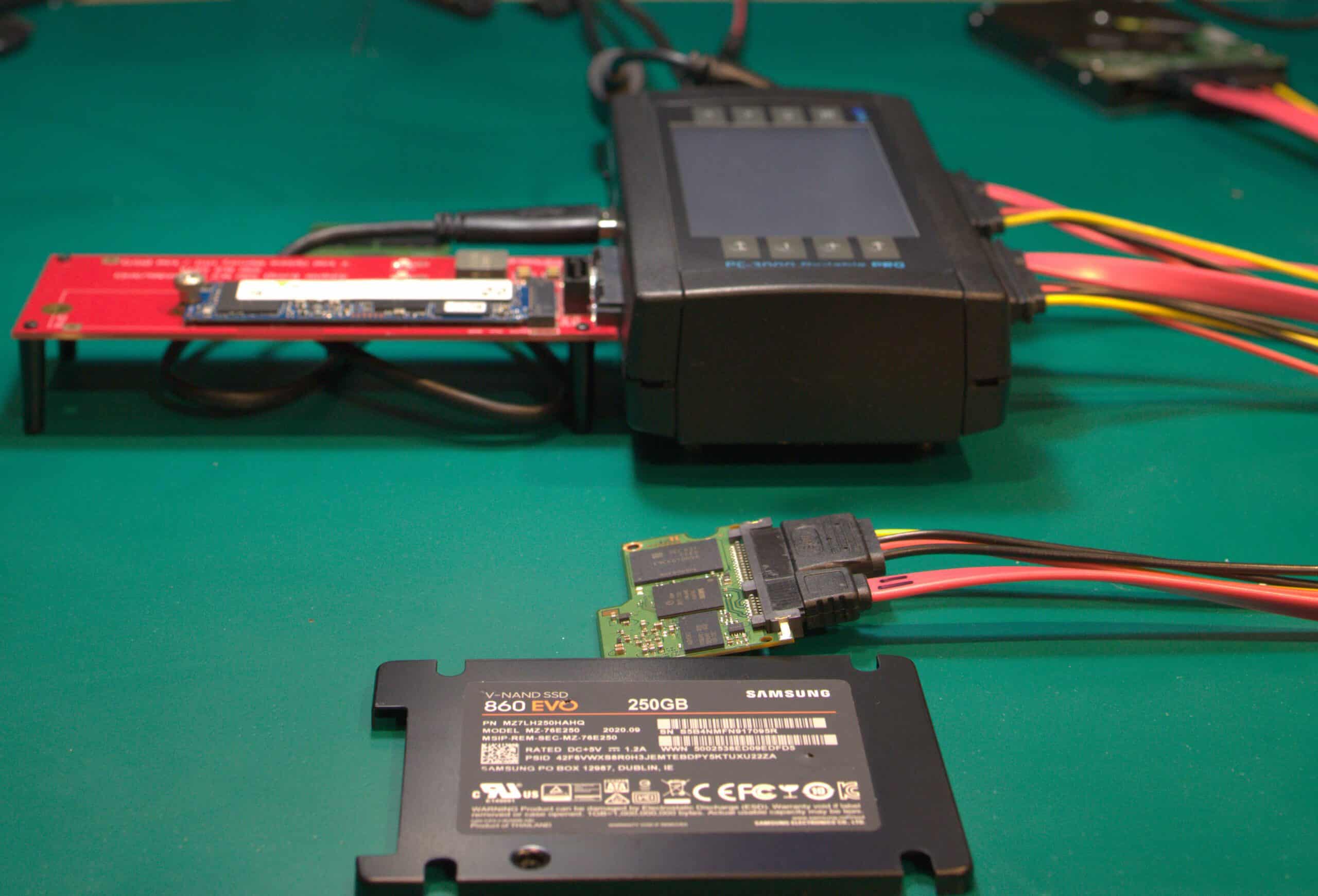
Rossmann Repair Group’s published pricing lists SATA SSD recovery at $200 to $1,500 and NVMe SSD recovery at $200 to $2,500, with the exact figure set after a no-cost evaluation identifies which failure tier applies. Turnaround commonly spans a standard multi-day queue versus a paid rush option, with exact timelines varying by lab and case complexity.
The cost of getting the first move wrong is not hypothetical. In 2023, SanDisk Extreme and Extreme Pro Portable SSDs from the second-generation lineup developed a documented firmware defect causing sudden, total data loss. Tom’s Hardware reported the resulting class-action lawsuit as covering an estimated tens of thousands of buyers who purchased the affected models since January 2023.
Preventing Future SSD Data Loss
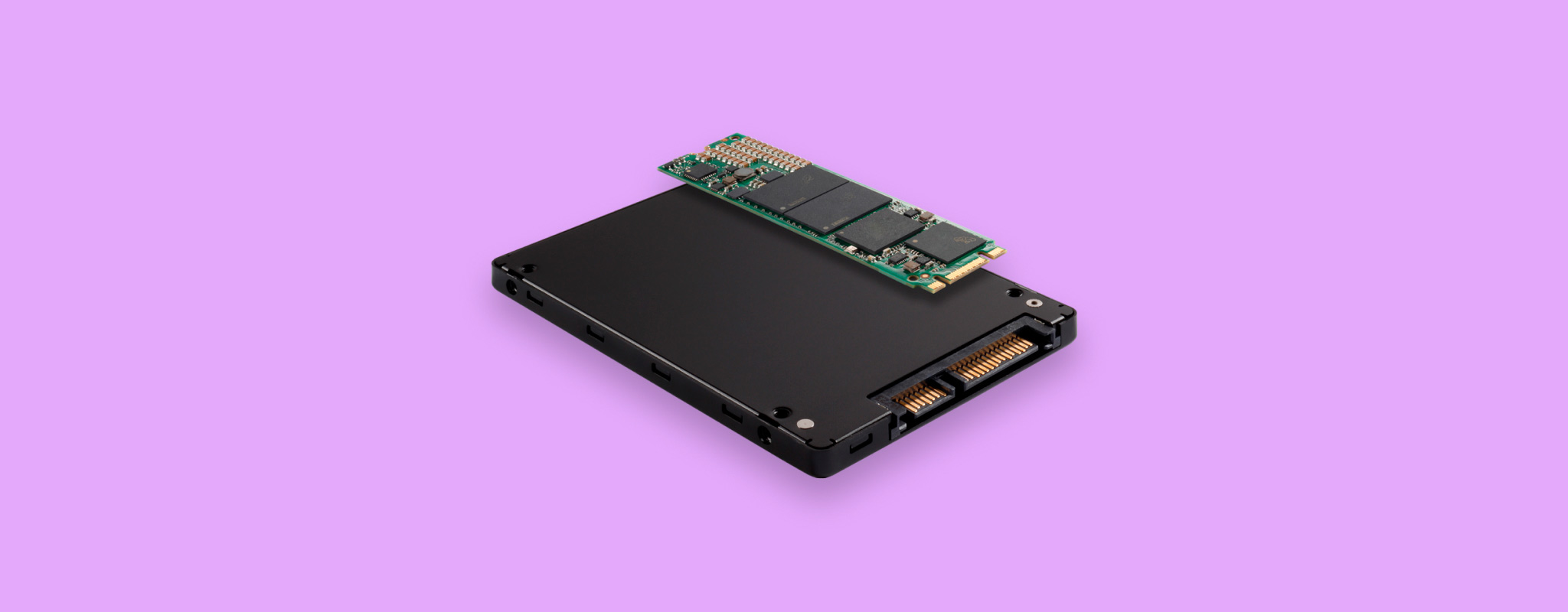
The 3-2-1 backup rule (three copies, two media types, one offsite) applies to SSDs the same way it applies to any drive, and it carries more weight here specifically because TRIM makes the deletion itself, not just drive failure, a one-way door that hard drives don’t have.